
Fitness tracking apps make it much easier to stay consistent because they turn “I worked out” into something you can actually log, review, and improve next week.
If you’ve ever bounced between routines, forgotten what weights you used, or felt like progress is too slow to measure, you’re not alone. The right app gives you structure without needing a spreadsheet, and it can nudge you toward smarter training decisions.
This guide focuses on workout tracking, not generic step counters. You’ll see quick recommendations, a comparison table, and practical setup tips, plus a few “don’t waste your time” notes that come up a lot when people switch apps.
What “good workout tracking” actually means
Most people think they need more features, but what they usually need is less friction. A solid tracker should help you record training fast, then show progress in a way you trust.
- Fast logging: custom routines, templates, rest timers, quick add for sets and reps.
- Progress views: trends for volume, PRs, streaks, and consistency over weeks.
- Exercise library: common movements plus easy editing for your variations.
- Good data hygiene: export options, clear history, and sensible defaults.
- Integrations: Apple Health, Google Fit, wearables, or calorie apps if you use them.
According to CDC guidance on physical activity, adults benefit from both aerobic activity and muscle-strengthening activity, so an app that can track strength sessions and cardio in one place often fits real life better than a one-trick logger.
Top fitness apps to track workouts (quick picks)
Here’s the short list many people end up with after trying a few. None is perfect for everyone, so treat this as “best match by use case.”
Strong (best for straightforward strength logging)
Strong is popular because it stays out of your way. You build routines, log sets quickly, and review PRs without feeling like you’re fighting the UI. For many gym-goers, that’s the whole game.
- Great for: barbell and dumbbell programs, simple progression tracking
- Watch for: feature access may vary by subscription tier
Hevy (best for clean UI and sharing, still serious tracking)
Hevy combines strong logging tools with social features that don’t feel forced. If you like seeing friends’ workouts, or you want a nice visual history, it tends to click.
- Great for: people who want both tracking and light community
- Watch for: some advanced planning features may be limited depending on plan
Fitbod (best for auto-generated strength workouts)
If decision fatigue is your biggest barrier, Fitbod can generate workouts based on equipment, time, and recovery. It’s not a magic coach, but it can be a practical starting point for consistency.
- Great for: beginners and intermediates who want “tell me what to do”
- Watch for: auto plans still need your judgment, especially around injuries
Strava (best for running/cycling plus community)
Strava shines for endurance training, route tracking, and motivation via clubs and segments. Strength tracking exists, but it’s not the main attraction.
- Great for: runners, cyclists, hikers who care about routes and stats
- Watch for: strength lifters may want a dedicated lifting log too
Nike Training Club (best for guided workouts on a budget)
Nike Training Club is often a strong option for guided sessions, especially for at-home workouts. Tracking is more “completed session” than detailed lifting analytics, but that’s enough for many schedules.
- Great for: at-home training, structured classes, general fitness
- Watch for: limited depth if you want set-by-set lifting history
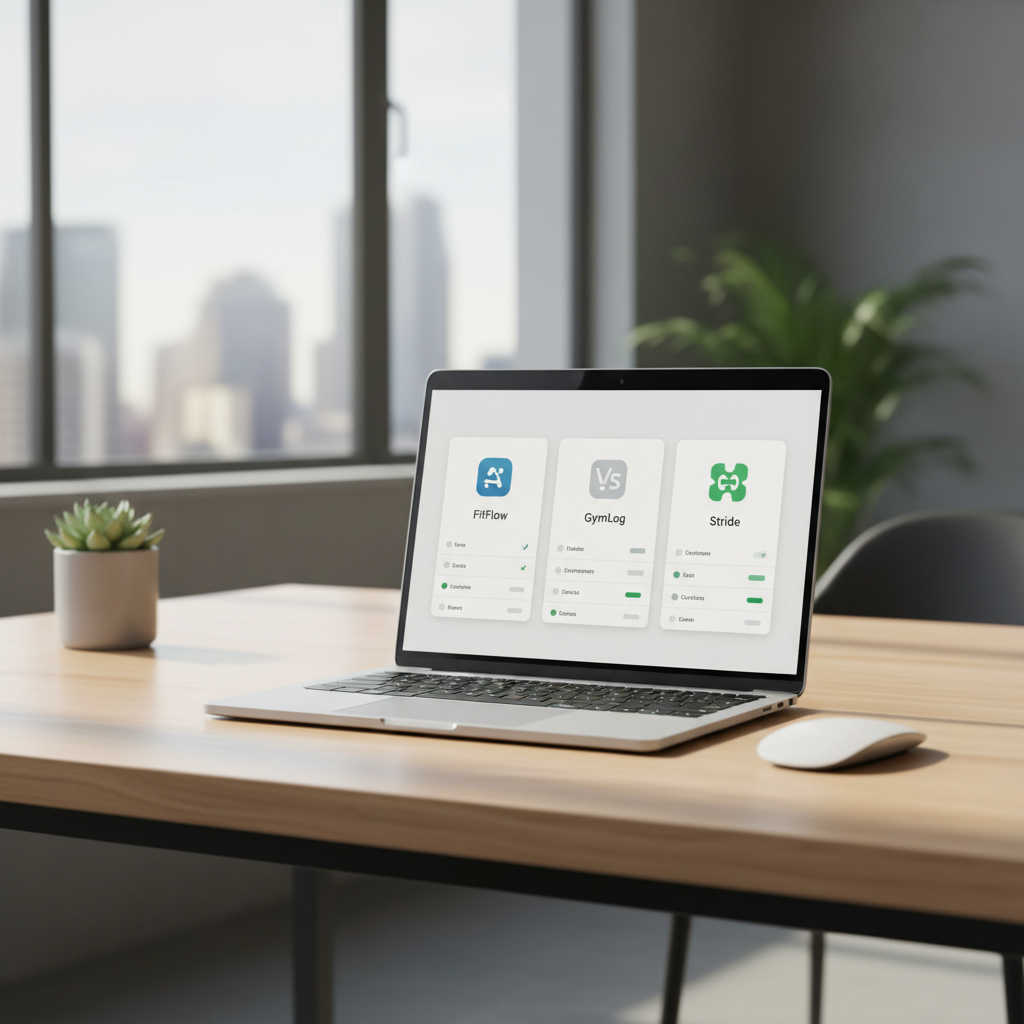
Comparison table: which app fits which training style?
Use this as a fast filter. If two apps look similar, choose the one you’ll actually open at the gym.
| App | Best for | Tracking depth | Planning | Community |
|---|---|---|---|---|
| Strong | Strength training logs | High (sets/reps/weights) | Good (routines) | Low |
| Hevy | Strength + shareable history | High | Good | Medium |
| Fitbod | Auto-generated workouts | Medium-High | High (auto) | Low |
| Strava | Running/cycling metrics | High (endurance) | Medium | High |
| Nike Training Club | Guided sessions | Medium | Medium | Low-Medium |
A quick self-check: what do you actually need from a tracker?
Before you download three apps and abandon all of them, answer these honestly. It saves time.
- I lift and want progressive overload (more reps, more weight, more volume): pick a dedicated strength logger.
- I do classes or follow videos: pick a guided workout app where “completion” tracking is smooth.
- I run/ride and want GPS + community: pick an endurance-first platform.
- I get stuck choosing workouts: pick an app that generates sessions based on constraints.
- I hate typing: prioritize fast entry, templates, and smartwatch shortcuts.
One more reality check: if you switch training styles often, you may end up using two tools, for example Strava for endurance and a separate strength log for the weight room.
How to set up fitness tracking apps so they help, not annoy you
The early setup is where most people overcomplicate things. Aim for a minimum viable tracking system you can keep for a month.
Step 1: Create 2–4 repeatable templates
Build a “Push,” “Pull,” “Legs,” or “Full Body” template, or copy whatever program you already follow. Keep exercise names consistent so history stays clean.
- Add your common warm-up moves if you want them recorded
- Keep accessories optional, you can add them on the day
Step 2: Decide what counts as “progress”
Pick one main metric per goal, then let the app support it.
- Strength: top set weight, estimated 1RM trends, or weekly volume
- Hypertrophy: reps in reserve notes, consistent ranges, total sets per muscle
- Endurance: pace, distance, heart rate zones if you use them
According to American College of Sports Medicine (ACSM) position stands and guidance, progression and appropriate recovery matter for results and injury risk, so tracking should help you notice when you’re pushing too hard or not progressing at all. If you have pain, dizziness, or a medical condition, it’s smart to consult a qualified professional before changing training intensity.
Step 3: Make logging faster than procrastinating
- Turn on rest timers for strength days
- Use quick-add buttons, not manual typing
- Pin your top routines to the home screen
- Review the last workout before starting, so you know your targets
Common mistakes that make people quit tracking
These sound small, but they’re usually why someone stops using fitness tracking apps after two weeks.
- Tracking everything: mood, sleep, macros, steps, hydration, 12 body measurements, then burning out. Start with workouts only.
- Changing exercise names constantly: “DB Bench,” “Dumbbell Bench,” “Incline DB Bench” become three separate histories.
- Ignoring context: the app shows a PR drop, but you slept 4 hours and trained after a long shift. Add a short note when it matters.
- Program hopping: you can’t see trends if you reset the plan every week.
- Letting the app drive ego lifting: chasing numbers is fun until form breaks down. If something feels off, back off.
Key takeaways (so you can choose today)
- Pick based on your training type, not the app with the most features.
- For lifting, prioritize fast set logging and clear history.
- For running/cycling, prioritize GPS accuracy and route metrics.
- Set up a few templates and track one main progress signal for a month.
- If pain or health conditions complicate training, consider guidance from a qualified coach or clinician.
Conclusion: the “best” app is the one you’ll keep using
The best workout tracker is usually the one that feels boring in a good way: open, log, done, review next time. If you’re torn, pick one strength-focused option or one endurance-focused option, commit for four weeks, and judge it on consistency rather than novelty.
Action step: download one app, build two templates, and log your next three workouts without adding extra metrics. If that feels easy, you can expand later.
FAQ
What are the best fitness tracking apps for beginners?
If you want guidance more than data, a guided workout app can lower the barrier to entry. If you’re learning the gym basics, a simple strength logger may help you repeat sessions and see progress without overwhelm.
Do I need a smartwatch for workout tracking?
No. A phone-only setup works for strength training and many cardio sessions. A watch becomes more useful for heart rate trends and hands-free GPS, but it’s optional for most people.
Which fitness tracking apps are best for progressive overload?
Look for fast set logging, previous-workout comparison, and PR tracking. The ability to reuse templates matters more than fancy charts in day-to-day training.
Are fitness tracking apps accurate for calories burned?
Many estimates can be rough because they depend on heart rate, body metrics, and algorithms. If calorie targets matter for health reasons, it’s worth discussing with a qualified professional and using app numbers as a trend, not a precise truth.
Should I track every set, or just the main lifts?
If you’re struggling with consistency, tracking main lifts and total session completion may be enough. Detailed accessory tracking helps later, when you’re troubleshooting plateaus.
What if I do both lifting and running?
Many people use two tools: one dedicated strength log plus an endurance platform for GPS runs. The key is keeping your “source of truth” clear for each training type.
How often should I review my workout data?
Weekly works for most schedules. A quick look at last week’s sessions, plus one goal for next week, beats daily overanalysis.
If you’re trying to pick between a couple of fitness tracking apps and want a more “tell me what to choose” shortcut, share your training split, equipment access, and whether you care more about lifting numbers or cardio metrics, and you can narrow it to one or two realistic options.